
The best graphic design software isn’t just a program; it’s your creative partner. Choosing the right one can feel overwhelming, with a sea of options promising everything from effortless logo creation to complex 3D modeling. This post navigates the landscape, helping you find the perfect tool whether you’re a seasoned pro or just starting your design journey. We’ll delve into the features, workflows, and community support of top contenders like Adobe Creative Suite, Figma, Canva, and Affinity Designer, empowering you to make an informed decision.
From understanding the nuances of vector versus raster graphics to mastering non-destructive editing, we’ll unpack the essential skills and considerations for selecting the ideal software. We’ll explore how different programs cater to varying skill levels and project needs, from simple social media posts to intricate branding projects. Get ready to discover the software that will unlock your creative potential!
Defining “Best”: Subjective Criteria in Graphic Design Software Selection: The Best Graphic Design Software
Choosing the “best” graphic design software is highly subjective, depending heavily on individual needs and priorities. Factors like professional requirements, personal project goals, budget limitations, and desired ease of use all play a crucial role in this decision. Skill level also significantly influences software choice, with beginners requiring different tools and functionalities compared to experienced professionals.
Factors Influencing Graphic Design Software Selection
The selection of graphic design software is a multifaceted process influenced by several key factors. The following table categorizes these factors for clarity.
| Professional Needs | Personal Projects | Budget Constraints | Ease of Use |
|---|---|---|---|
| Client collaboration tools | Simple interface for quick designs | Free or affordable options | Intuitive navigation and workflow |
| Advanced features (e.g., vector editing, complex typography) | Limited features sufficient for personal needs | Subscription vs. one-time purchase models | Minimal learning curve |
| Color accuracy and print-ready output | Ease of sharing designs on social media | Cost of plugins and add-ons | Availability of tutorials and support |
| File format compatibility | Design versatility across different media | Hidden costs (e.g., cloud storage) | Customizable interface and keyboard shortcuts |
Impact of Skill Level on Software Choice
A beginner’s needs differ significantly from those of an expert. Beginners prioritize ease of use and a gentle learning curve, while experts seek advanced features and customization options for efficient workflows.
Hypothetical User Personas and Software Requirements
Let’s consider three user personas to illustrate this point:
- Beginner (Sarah): Sarah is a college student learning graphic design. She needs a user-friendly software with a simple interface, affordable pricing, and plenty of tutorials. Suitable software: Canva, GIMP.
- Intermediate (Mark): Mark is a freelance designer with a few years of experience. He needs software that offers a balance between ease of use and advanced features, with reasonable pricing and good community support. Suitable software: Affinity Designer, Adobe Photoshop (with a subscription).
- Advanced (Emily): Emily is a senior graphic designer in a marketing agency. She requires professional-grade software with advanced features, excellent color accuracy, and seamless integration with other design tools. Suitable software: Adobe Creative Suite.
Top Contenders: A Comparative Overview of Popular Software
Several software packages dominate the graphic design landscape. Each caters to a specific user base and offers unique functionalities.
Comparison of Popular Graphic Design Software

- Adobe Creative Suite (Photoshop, Illustrator, InDesign): Industry standard, powerful tools, high learning curve, expensive subscription.
- Figma: Collaborative, browser-based, strong for web design and UI/UX, free and paid plans.
- Canva: User-friendly, drag-and-drop interface, ideal for beginners and social media graphics, free and paid plans.
- Affinity Designer: Powerful vector-based software, one-time purchase, comparable features to Illustrator, steeper learning curve than Canva.
Detailed Feature Comparison
| Software | Pricing | Operating Systems | File Format Support |
|---|---|---|---|
| Adobe Creative Suite | Subscription | Windows, macOS | PSD, AI, INDD, PDF, JPG, PNG, and many more |
| Figma | Free and paid plans | Web-based (browser) | SVG, PNG, JPG, PDF, and more |
| Canva | Free and paid plans | Web-based (browser), iOS, Android | JPG, PNG, PDF, and more |
| Affinity Designer | One-time purchase | Windows, macOS, iPad | PSD, AI, EPS, PDF, JPG, PNG, and more |
Software Performance in Specific Design Tasks
Let’s consider creating a logo. Canva’s drag-and-drop interface makes it simple for beginners. Illustrator offers precise vector control for complex logos. Photoshop can be used for raster-based logos with photorealistic elements. Figma excels in creating logos for web applications and digital platforms.
Specific Software Features and Capabilities
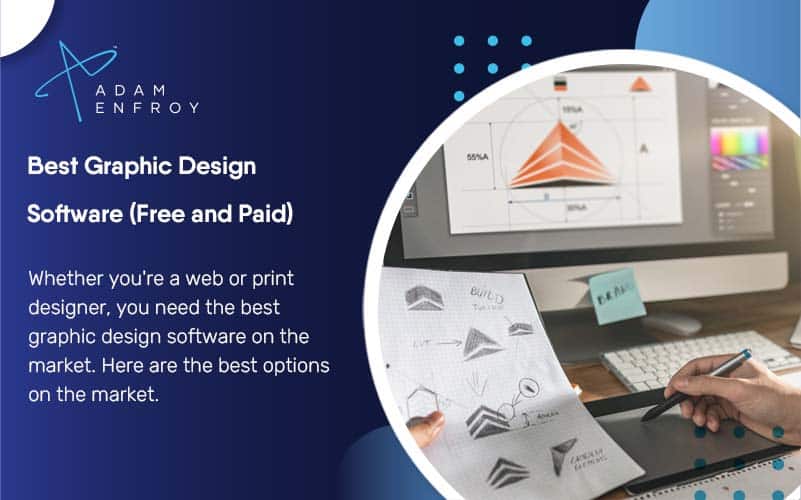
Understanding the differences between vector and raster graphics, and the importance of non-destructive editing, is key to choosing the right software.
Vector vs. Raster Image Editing
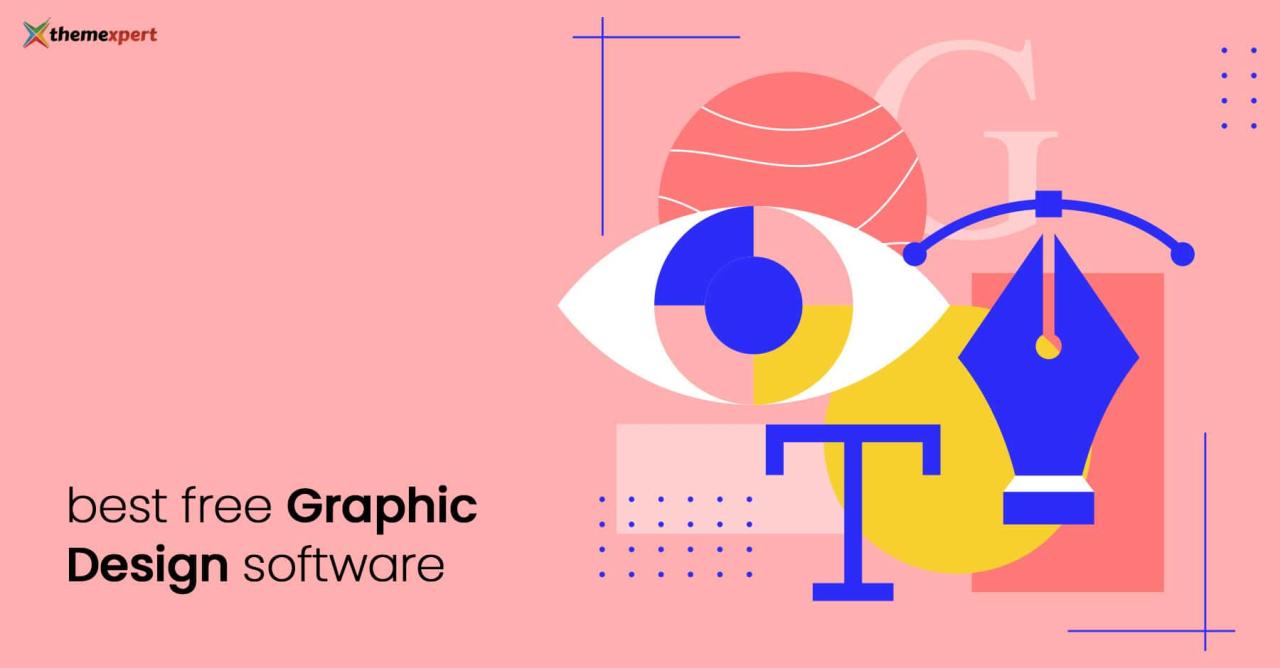
Vector graphics (e.g., Illustrator, Affinity Designer) are resolution-independent and scalable without loss of quality, ideal for logos and illustrations. Raster graphics (e.g., Photoshop) are resolution-dependent, pixel-based images suitable for photo editing and detailed artwork. The choice depends on the project’s requirements.
Importance of Non-Destructive Editing
Non-destructive editing allows modifications without permanently altering the original image data. This is crucial for flexibility and allows for easy revisions. Most professional-grade software supports this, such as Adobe Photoshop’s layers and adjustment layers, and Affinity Photo’s live filters.
Key Features Differentiating Professional and Beginner Software
- Advanced color management: Professional software offers precise control over color profiles (CMYK, RGB) and color spaces.
- Extensive layer management: Allows for complex compositions and non-destructive editing.
- Advanced typography controls: Fine-grained control over kerning, tracking, and advanced typographic features.
- Support for a wide range of file formats: Ensures compatibility across different platforms and applications.
- Powerful automation tools: Streamlines repetitive tasks and improves workflow efficiency.
Workflow and User Experience
A software’s user interface significantly impacts productivity. Intuitive design and efficient navigation are crucial for a smooth workflow.
Comparison of User Interfaces
Canva’s interface is incredibly intuitive, even for beginners. Adobe Photoshop, while powerful, can feel overwhelming for novices due to its extensive feature set. Figma’s interface is clean and modern, optimized for collaboration.
Step-by-Step Poster Design Workflow in Two Software Packages
Designing a poster in Canva involves selecting a template, customizing elements (text, images), and downloading the final product. In Adobe Photoshop, the process involves creating a new document, adding layers for different elements, using adjustment layers for color correction, and exporting the final design.
Importance of Keyboard Shortcuts and Customization
Keyboard shortcuts drastically improve efficiency. Customizing the interface to suit individual preferences further enhances the user experience.
Community and Support
Access to a strong community and comprehensive support resources is vital for learning and problem-solving.
Community and Support Resources, The best graphic design software
- Adobe Creative Suite: Extensive online documentation, forums, tutorials, and user groups.
- Figma: Active community forum, extensive online documentation, and video tutorials.
- Canva: Helpful tutorials and support articles on their website.
- Affinity Designer: Online documentation, tutorials, and a growing community forum.
Value of Community Support
Online communities provide a platform for users to share knowledge, ask questions, and find solutions to problems. This collaborative learning environment accelerates the learning process and fosters problem-solving.
Learning Resources
Each software offers a variety of learning resources, including online courses, tutorials, and official documentation. Platforms like Udemy, Skillshare, and LinkedIn Learning provide additional learning opportunities.
Illustrative Examples: Visual Representations of Software Capabilities
Let’s delve into the visual capabilities of Adobe Photoshop, a powerhouse in raster-based image editing.
Adobe Photoshop’s Visual Capabilities
Photoshop handles various color modes (CMYK for print, RGB for screen), image resolutions (high-resolution for print, lower resolutions for web), and a vast array of file formats (PSD, JPG, PNG, TIFF, etc.). Its strength lies in its ability to manipulate and enhance images with precise control over color, contrast, and detail.
Typography Handling in Adobe Photoshop

Photoshop offers comprehensive typography controls, including font management, kerning (adjusting space between individual characters), and tracking (adjusting space between all characters in a block of text). For example, you can use Photoshop’s character and paragraph palettes to fine-tune the spacing and alignment of text within a design.
Creating a Complex Design Element in Adobe Photoshop
Imagine creating a photorealistic image of a sunset. Photoshop’s layer-based system allows you to build the image step-by-step. You can create separate layers for the sky, clouds, sun, and foreground elements, adjusting each layer’s color, brightness, and contrast independently. Using adjustment layers allows for non-destructive editing, ensuring you can easily tweak the image without losing the original data.
The use of blending modes enables seamless integration of different elements, resulting in a cohesive and realistic final image.
Conclusive Thoughts
Ultimately, the “best” graphic design software is the one that best suits
-your* needs and workflow. There’s no one-size-fits-all answer, and this exploration hopefully clarified the factors to consider. Whether you’re drawn to the industry-standard power of Adobe Creative Suite, the collaborative features of Figma, the user-friendliness of Canva, or the affordability of Affinity Designer, remember to prioritize your specific design goals and comfort level.
Happy designing!
Key Questions Answered
What’s the difference between raster and vector graphics?
Raster graphics (like JPEGs) are made of pixels and lose quality when scaled up. Vector graphics (like SVGs) are made of mathematical equations and can be scaled infinitely without losing quality.
Which software is best for beginners?
Canva is excellent for beginners due to its intuitive interface and drag-and-drop functionality. It offers a simplified approach to design, perfect for learning the basics.
Are there free graphic design software options?
Yes, Canva offers a free plan with limited features, and GIMP is a powerful, free, open-source alternative to Photoshop, though it has a steeper learning curve.
How important are keyboard shortcuts?
Keyboard shortcuts drastically increase efficiency. Learning them will significantly speed up your workflow in any graphic design software.